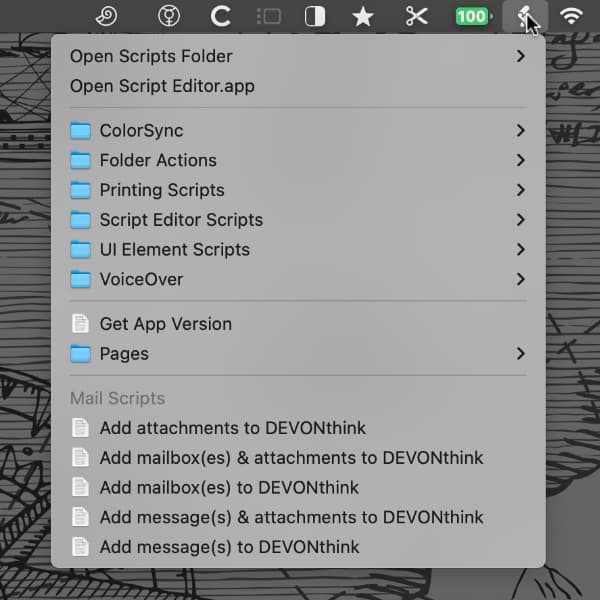
You use Mekentosj Paper 2 but also like Steven Berlin Johnson’s ‘snippet approach’? Power user Rob Trew has written a small script that does not add the whole file from Papers to your DEVONthink database but only the summaries and notes. As Papers is not scriptable, Rob’s script directly accesses Paper’s SQLite database. Rob also offers more scripts such as ones offering even tighter integration of Sente 6 with DEVONthink (see last week’s Tuesday Tip).
Tuesday Tip: Integrate DEVONthink with SKIM and Sente
DEVONthink Pro comes with smart templates for integrating bibliographic data from Sente 6 as notes. Power user and scripter Rob Trew has published an additional script that sends selected notes to DEVONthink including attachments. Another new script copies notes from PDFs open in SKIM as rich text document to your database. So if you want to transfer notes from SKIM or aren’t satisfied with the pre-fab Sente 6 smart template that comes with DEVONthink Pro, have a look at Rob’s free...
Tuesday Tip: From Evernote to DEVONthink
The ways to get data out of an information manager is nearly as important as the ways to get data in. DEVONthink tries to be as transparent as possible here, whatever you put into a database you can export at any time (e.g. as ‘files and folders’) to the file system and then use from the Finder or any other application. It’s not that easy with EverNote, however. DEVONthink Pro offers a simple script to copy text notes from EverNote...
Tuesday Tip: Get reminded
Sometimes it can be useful to get reminded about a document in your DEVONthink database, for example an invoice you want to pay next week, or an important research document that you need to have read in a month’s time. Use the following scripts to add a selected document as an event to iCal or as a to-do-item to iCal, OmniFocus, or Things. Download and extract the archive, then move the created folder ‘Reminders’ to ‘~/Library/Application Support/DEVONthink Pro 2/Scripts/’. This makes...
Web Tip: Using WordPress and DEVONthink together
If you are regularly writing for a blog, maybe even your own, then developing a writing habit is important to keep up the pace. And, the chance that you’re using WordPress is very high. Amy Cavender has written a short article about how she uses WordPress for writing and DEVONthink for archiving. She uses DEVONhink’s built-in AI to quickly find related items, connections, links. DevonThink’s unique “see also” feature helps me make connections with other items in my database (journal...
Connect DEVONthink with Instapaper
If you are using Instapaper to keep articles for offline reading you may like the ‘Add to Instapaper’ script for DEVONthink Pro, written by one of our power users. Click here to read about it in our user forum. Thank you, bartekb81.
If the contextual menu does not work …
If the contextual menu does not work in DEVONthink on your machine or the Action and Label pull-down menus in the toolbar don’t work, you should check if the ‘Babylon’ contextual menu plugin is installed. It seems that a recent update to it introduces an incompatibility to DEVONthink. See our FAQ for more information.
Tuesday Tip: The Power of the Sorter
With DEVONthink Pro 2.0 public beta we have introduced the Sorter, an small independent application that allows you to add data to your databases even when DEVONthink is not open. But it’s not a simple drop box — there is much more you can do with it (and even more in one of the next releases). First of all you can move it to the left, right, or bottom side of the screen by moving its tab. Exception: The side...
Tuesday Tip: More scripts for Evernote
Besides our own import script that allows you to transfer text files from Evernote to DEVONthink, power user Justin has written a pair of more advanced scripts for moving data between the two applications. Instead of transferring plain text Justin uses Evernote’s HTML export to get your docoument including layout out of Evernote and put it into your DEVONthink database as a web archive. For the other way round he uses a similar approach. Click here to download his cool...
Tuesday Tip: Save directly to DEVONthink
Starting with public beta 5, DEVONthink offers the possibility to save any file from any application directly to the global inbox. No more saving to the Desktop and importing later. First make sure that this function is enabled. Choose Help > Install Add-Ons, check ‘Global Inbox in Save Dialogs’ and click ‘Install’. This inserts a shortcut to the global inbox into the Finder’s sidebar. To save a document to DEVONthink now, look for the ‘Inbox’ item in the sidebar of...

Fresh tweets