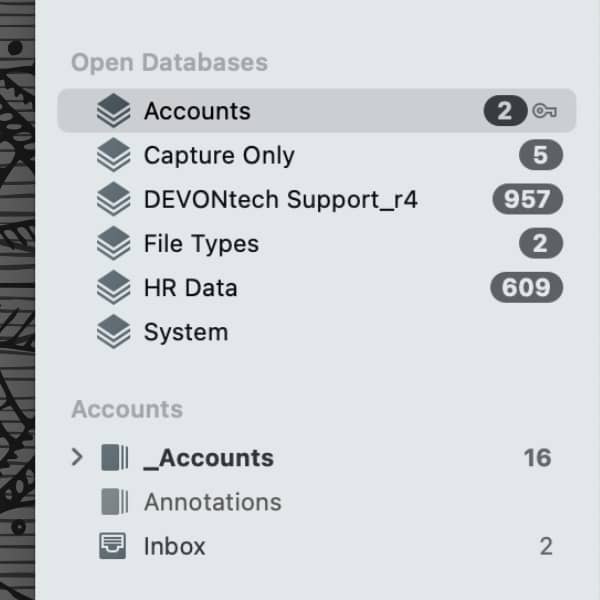
When DEVONthink 3 debuted, it came with the option of creating a truly secure, encrypted database. If you have an unencrypted database and would like to convert it to an encrypted one, here is how you do it. (more)
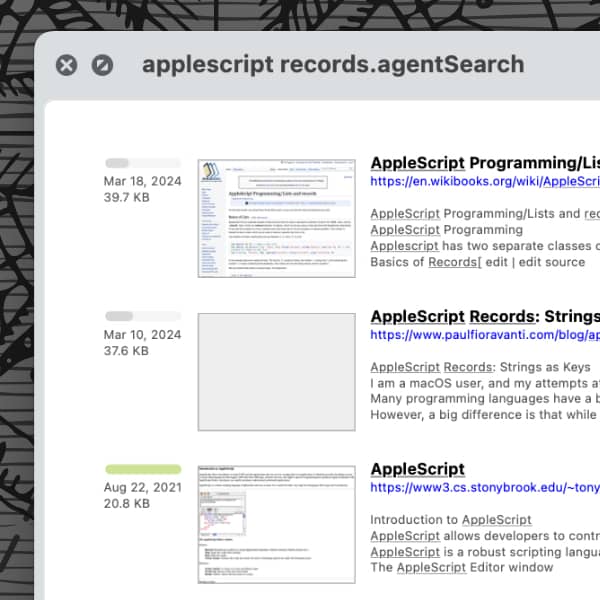
In DEVONagent Pro, you can archive search results or send them to DEVONthink. But after closing the search, you no longer have access to those results. Of course, you can run the search again, but there is a more efficient way to return to them. (more)
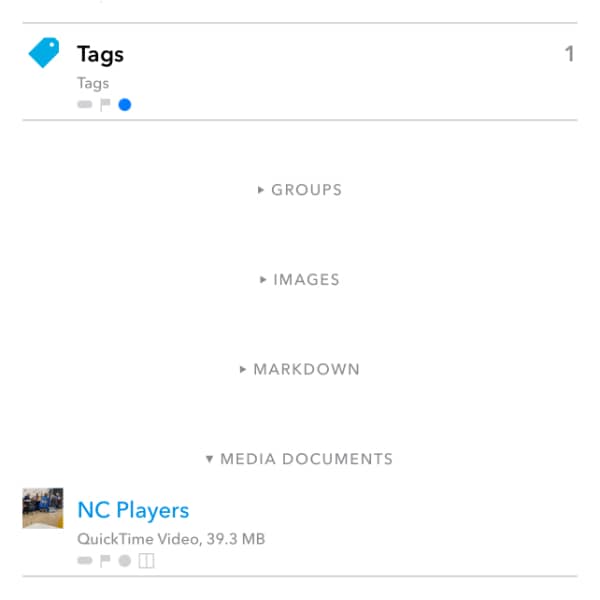
If you have many objects in one place in your database, you can quickly lose the overview and have to scroll and search a lot. In DEVONthink To Go, however, there is a way to hide items that you do not need at the moment. Here is, how that works. (more)
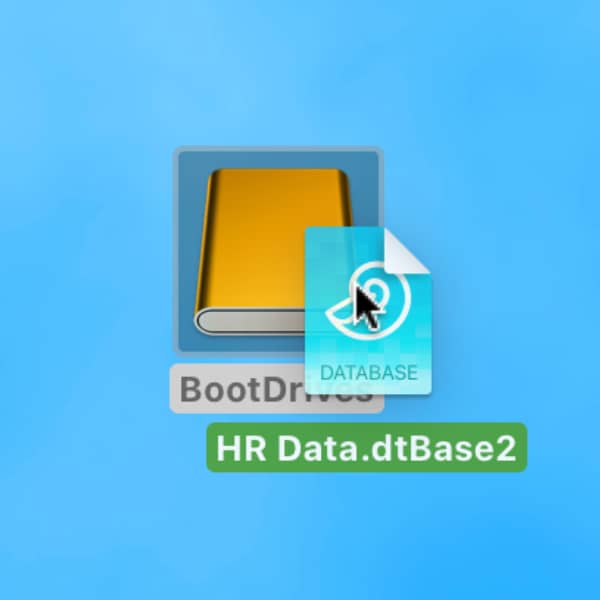
External hard drives are one of the places where you can store your DEVONthink databases safely. Nevertheless, there are a few things you should bear in mind. Here is, how to move your databases to such a hard drive. (more)
You still have one Mac without DEVONthink on it? Your teammates are envious because you’re so well-organized? This week only, from Friday, March 22nd, to Sunday, March 24th, 2024, we offer additional seats for 30% less. (more)
When you run into an issue with an application, e.g., DEVONthink, you may think you should reinstall it. Here’s why that shouldn’t be your first step. (more)
When you sit down to write, it’s all too common to become distracted. While we can’t disable notification center and sounds from other applications, DEVONthink can provide a more minimalistic view in which to write. (more)
An important tool for your paperless office is, naturally, a scanner. The Pro and Server editions of DEVONthink even offer integrated scanner support for several models. But what should you look out for? Here are some things to consider. (more)
When Apple announces their latest operating system, it may be tempting to jump right on it. But is that the best idea? Here are our recommendations. (more)
The Pro and Server editions of DEVONthink allow you to import and search for email. Messages with attachments are imported as one document, just as Apple Mail handles them. But what if you want the attachments separately? Here are a few options. (more)
By using our site, you acknowledge that you have read and understand our Cookie Policy and our Imprint.